|
Access 5.3 |
Using of wizard for adopting ED-RUD |
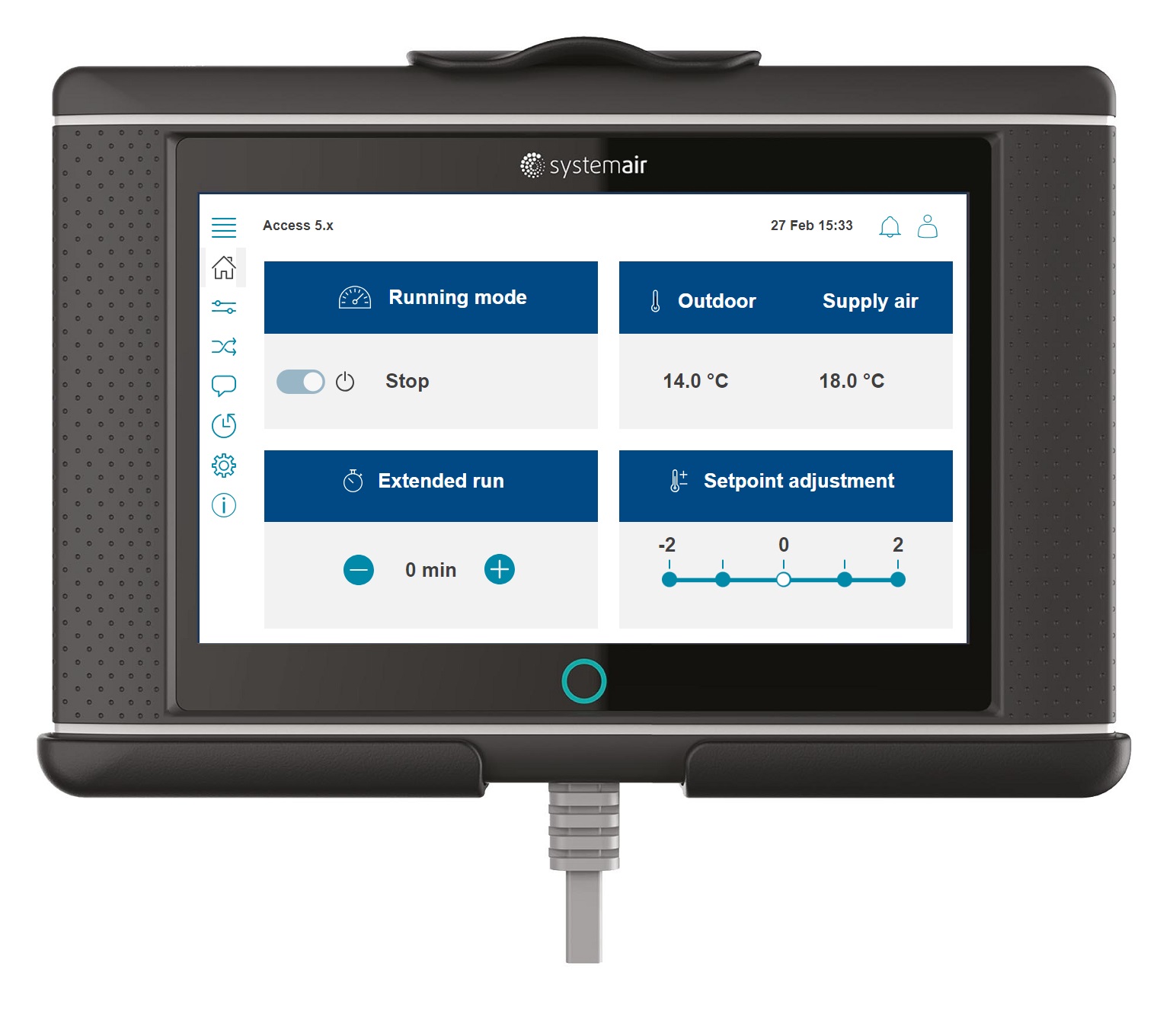
Wizard intended be used with the new (out of the box) ED-RUD room unit.
Set up of the ED-RUD room unit via configuration wizard |
|||
Variable |
Available options & Selection |
Note |
|
Configuration > Configuration wizard > Set up ED-RUD |
|||
Communication port |
| Ext-link | Display (room unit) | |
The default address of the ED-RUD is [60]. Make sure the status icon indicated connection (is green) and then continue |
|
Address |
[ 60 ] |
||
Status |
|
||
Setpoint temperature control |
| Main unit | Zone control 1 | |
Set what this ED-RUD should control |
|
Device name |
[ ED-RUD Room unit ] |
Rename if necessary |
|
Room temperature sensor name |
[ Room temperature ] |
||
Confirm configuration and continue → (Configuration > Configuration wizard > Set up ED-RUD) |
|||
Fan button function |
| No function | Change fan speed | | Change fan speed as extended operation | |
Follow the provided instructions and assign functions for the fan button, setpoint adjustment and information to be presented while in idle mode |
|
Idle view mode |
| Room temperature | Setpoint | |
||
Setpoint adjustment |
| No adjustment | Adjustment with 1oC | |
||
Confirm configuration and complete setup → |
Finish the setup and exit wizard |
||